A painting experiment for iPhone
Paint with
dimension.
A canvas where strokes build color and surface. I’m making it to explore how digital paint can feel less flat.
Ask to test the current build ↗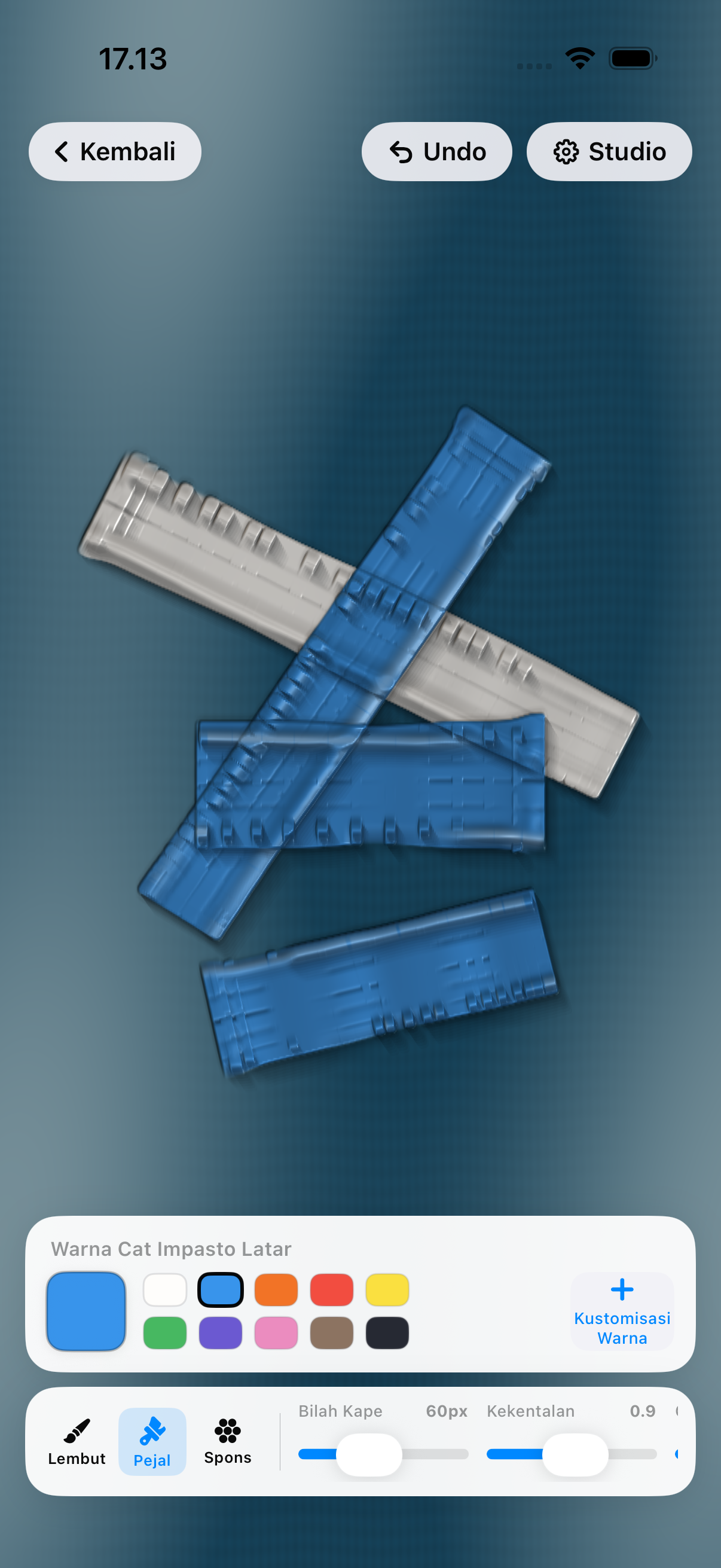
01 / Canvas
Shape the surface.
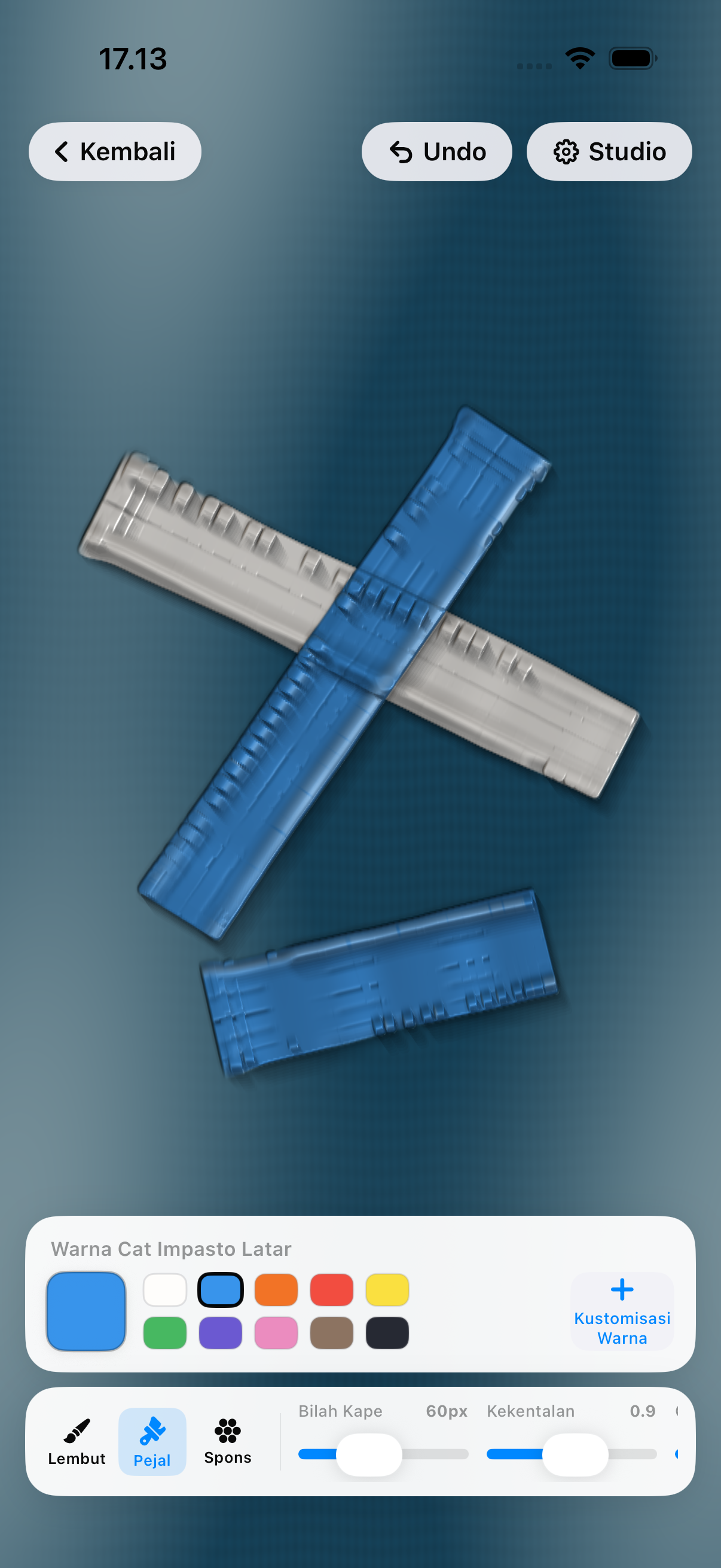
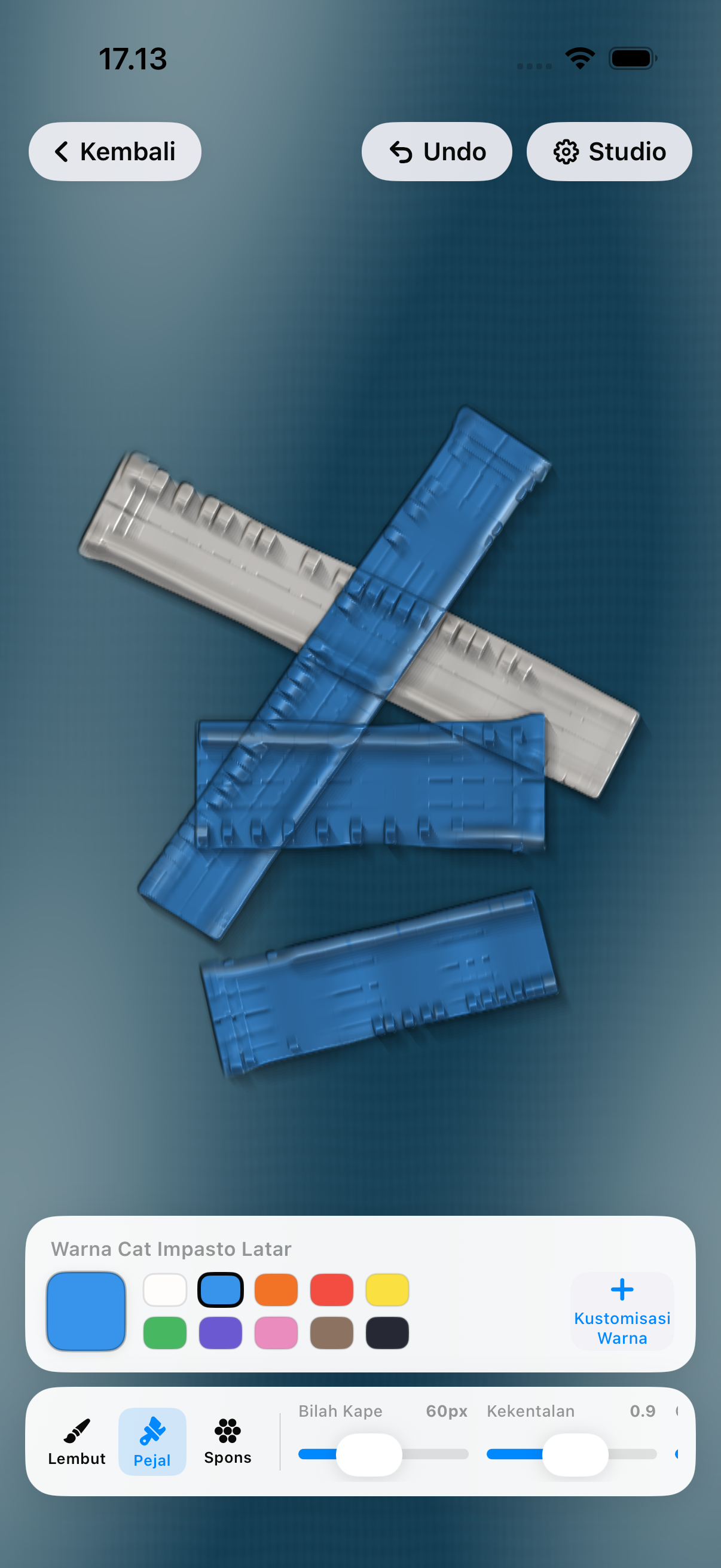
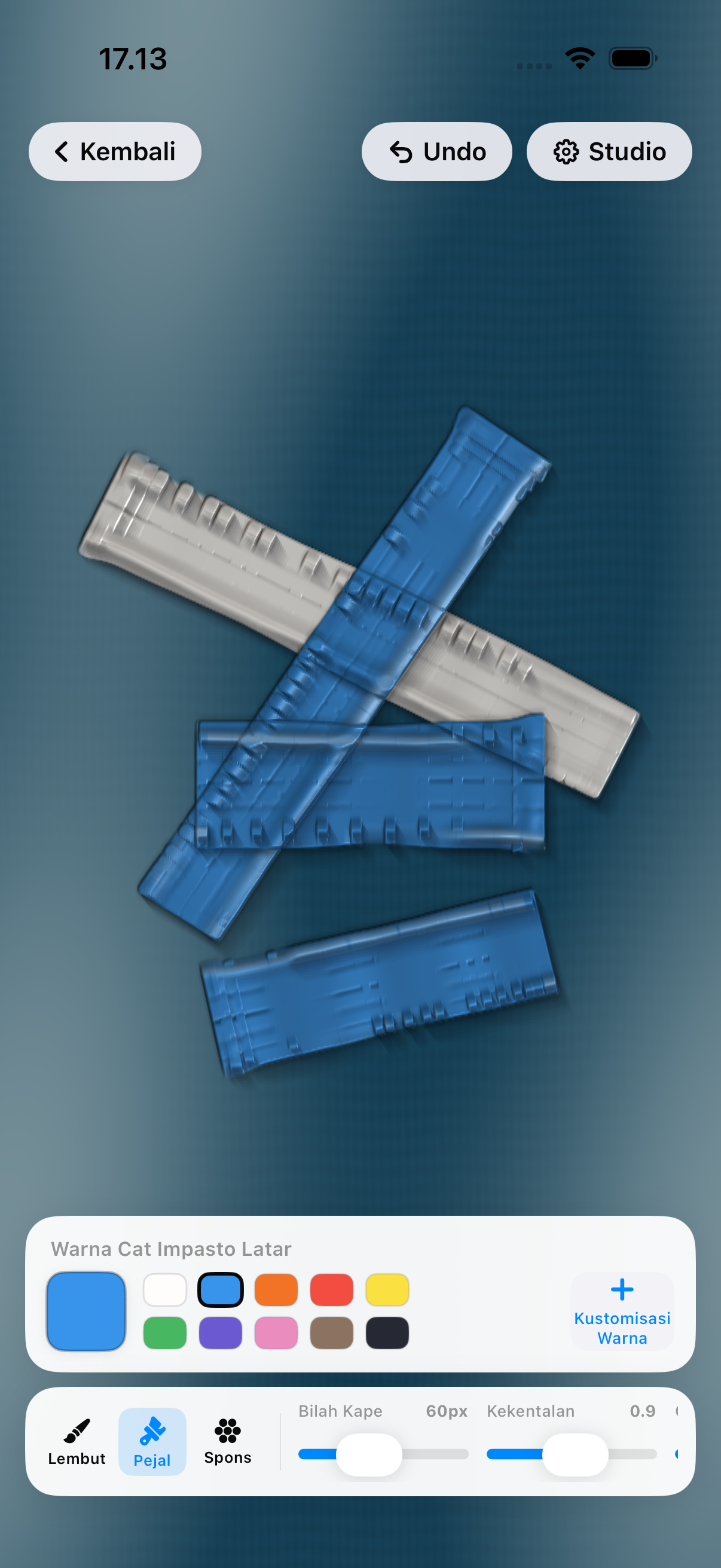
Paint, change the material, and move the light across what you have made. These controls are present in the current prototype.
02 / Scene
Turn a surface
into a small world.
A figure can be placed and adjusted on top of the painted canvas. The idea is still being tested.
03 / Working flow
From a blank start
to the Studio.
Build note · 11 September 2026
A working path,
not a finished answer.
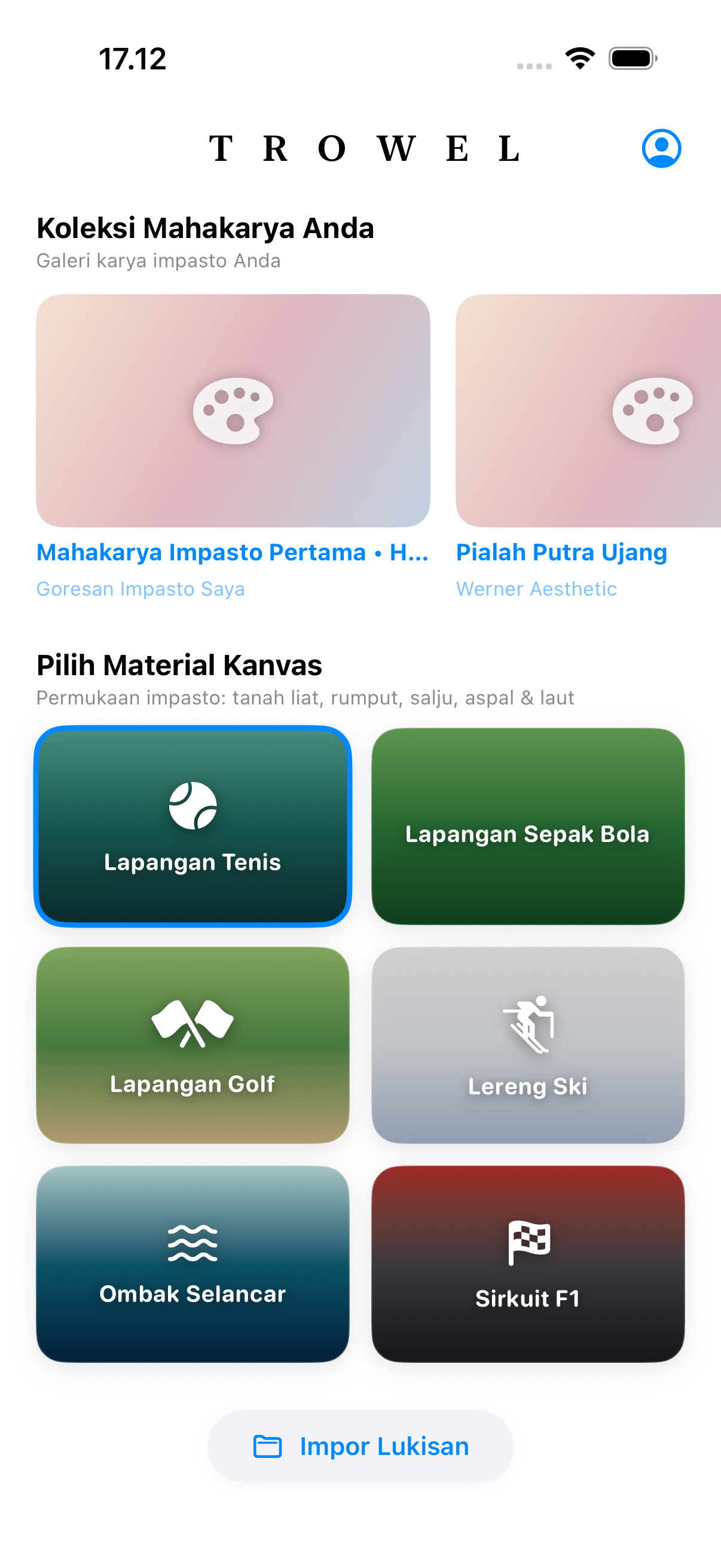
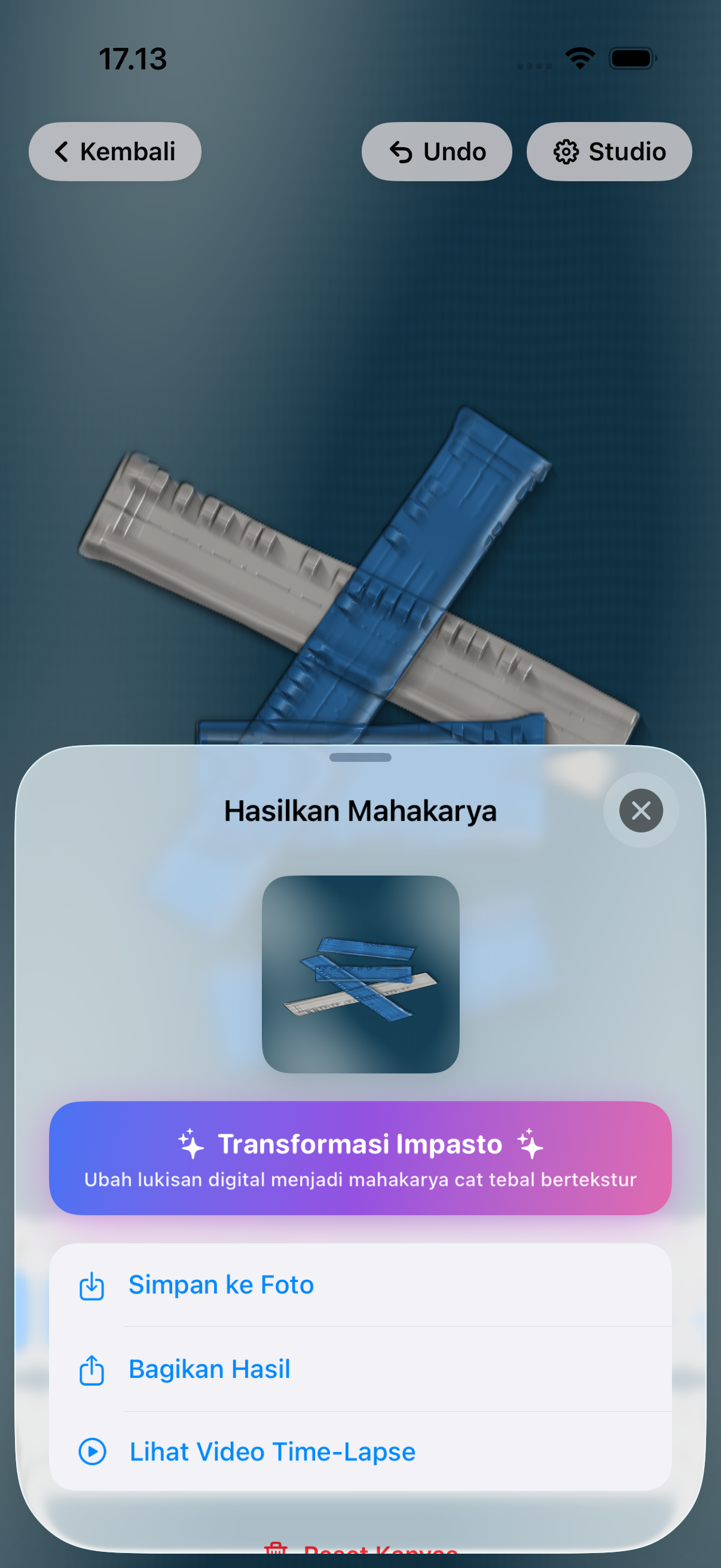
The tested simulator flow goes from choosing a world to painting, placing a figure, and opening the Studio.
A passing UI test proves that path works. Usability, export reliability, and whether the experience is worth returning to still need testing with people and devices.
Help me test it ↗Made by Ady Subagya Junior
while learning to build and share the product at the same time.